DS: Zero Downtime Upgrade Strategy Using a Blue/Green Deployment
Author: |
Charan Mann |
Created at: |
Jan 2020 |
Updated at: |
Jun 2022 |
Introduction
This is the continuation of the previous blog about a Zero Downtime Upgrade Strategy Using a Blue/Green Deployment for AM. Traditionally, ForgeRock Directory Server (DS) upgrades are handled via a rolling upgrade strategy using an in-place update. As many deployments have constraints around this approach (zero downtime, immutable, etc.), a parallel deployment approach, also known as a blue/green strategy, can be leveraged for upgrading ForgeRock DS servers.
Note: In this article, the blue cluster reflects an existing DS deployment (3.5.x version), and the green reflects a new DS deployment (6.5.x version).
This blog provides a high-level approach for using a blue/green methodology for updating ForgeRock DS-UserStores.
This corresponds to Unit 3: DS-UserStores in our overall ForgeRock upgrade approach.
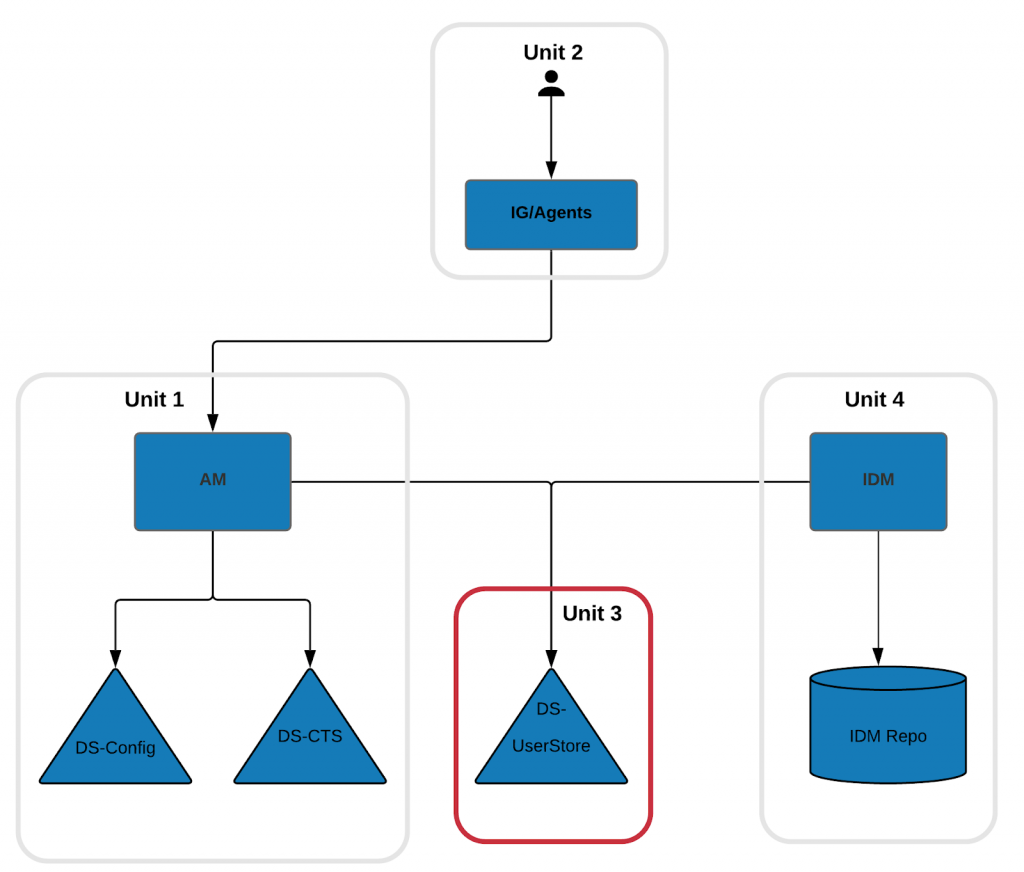
ForgeRock Upgrade Units
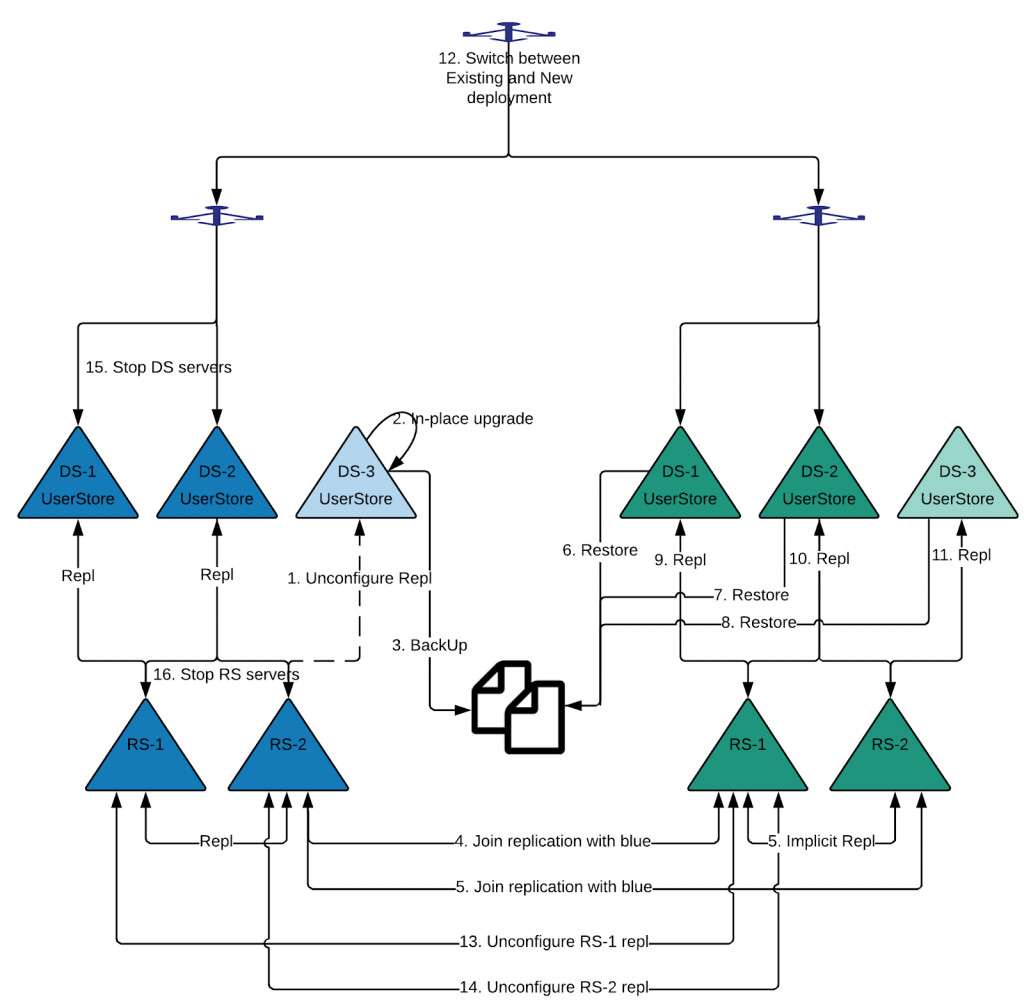
Unit 3: DS-Userstores Upgrade Process
Prerequisites/Assumptions
-
This approach assumes that your infrastructure processes have the ability to install a parallel deployment for an upgrade, or you are already using a blue/green deployment.
-
In the above diagram, the blue cluster reflects an existing DS deployment (like a 3.5.x version), and the green reflects a new DS deployment (like a 6.5.x version).
-
There are N+1 DS servers deployed in your existing deployment. N servers are used for your production workload and one server is reserved for maintenance activities like backup, upgrades, etc. If there is no maintenance server, then you may need to remove one server from the production cluster (thereby reducing production load capacity) or install an additional DS server node for this upgrade strategy.
-
Review release notes for all DS versions between existing and target DS deployments for new, deprecated features, bug fixes, and others. For a DS 3.5 to DS 6.5 upgrade, review the Release Notes for DS 5.0, 5.5, 6.0, and 6.5 versions.
Upgrade Process
-
Unconfigure replication for the DS-3 user store. Doing so ensures that the upgrade doesn’t impact your existing DS deployment.
-
Upgrade DS-3 in place using DS upgrade process.
-
Create a backup from DS-3 using the DS backup utility.
-
Configure green RS-1’s replication with the existing blue replication topology.
-
Configure green RS-2’s replication with the existing blue replication topology.
-
Install green DS-1 and restore data from backup using the DS restore utility.
-
Install green DS-2 and restore data from backup using the DS restore utility.
-
Install Green DS-3 and restore data from backup using the DS restore utility.
-
Configure Green DS-1’s replication with Green RS-1.
-
Configure Green DS-2’s replication with Green RS-1.
-
Configure Green DS-3’s replication with Green RS-1.
Switch Over to the New Deployment
-
After validating that the new deployment is working correctly, switch the load balancer from blue to green. This can also be done incrementally. If any issues occur, you can always roll back to the blue deployment.
If direct hostnames are used by DS clients, such as AM, IDM, etc., then those configurations need to be updated to leverage new green hostnames.
Conclusion
Although a blue/green deployment requires a high level of deployment maturity, this approach provides an elegant way to minimizing downtime for ForgeRock deployment upgrades. It is always advisable to try an upgrade strategy in lower environments like dev, stage before moving to a production environment.
Depending on the complexity of your deployment, there can be multiple things to be considered for these upgrades, such as customizations, new FR features, etc. It is always recommended to break the entire upgrade process into multiple releases like “base upgrade” followed by “leveraging new features”, and so on.
Other Articles by This Author
 AM
and IG: Zero Downtime Upgrade Strategy Using a Blue/Green Deployment
[.badge-category__name#Architecture#]
AM
and IG: Zero Downtime Upgrade Strategy Using a Blue/Green Deployment
[.badge-category__name#Architecture#]
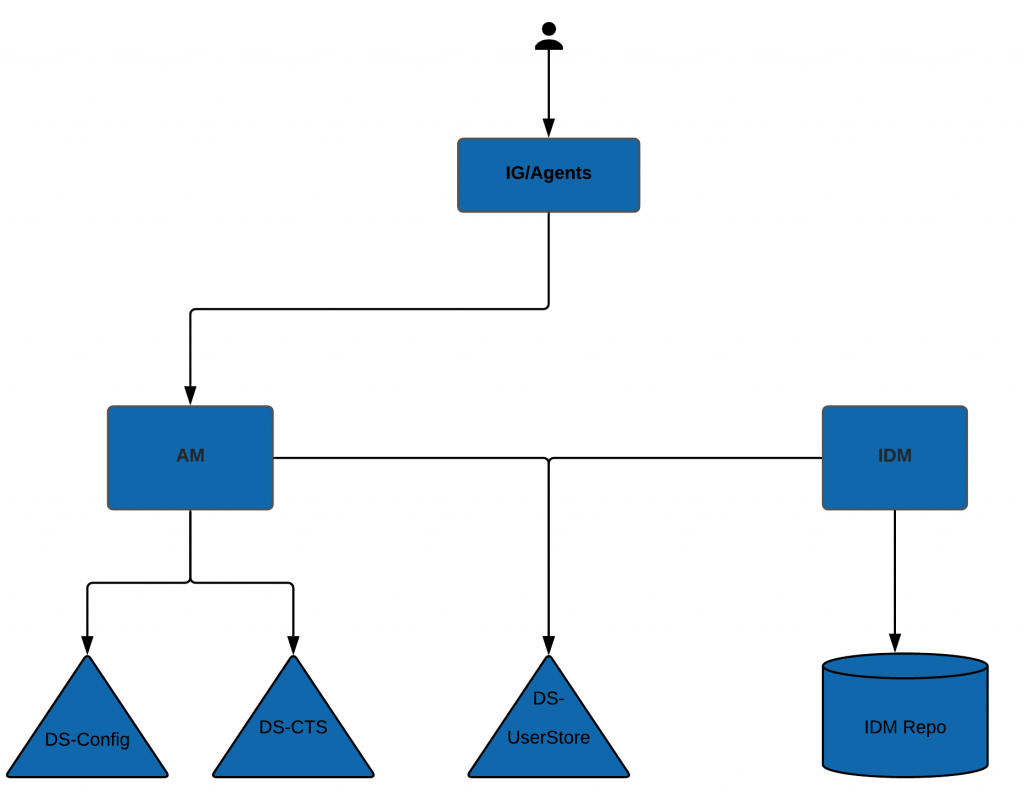
The standard deployment for the ForgeRock Identity Platform consists of multiple ForgeRock products such as IG, AM, IDM, and DS. As newer ForgeRock versions are released, deployments using older versions need to be migrated before they reach their end of life. Also, newer versions of ForgeRock products provide features such as intelligent authentication and the latest OAuth standards, which help businesses implement complex use cases. [FR-Deployment-Components-Charan-1024x798] ForgeRock …
Configuring
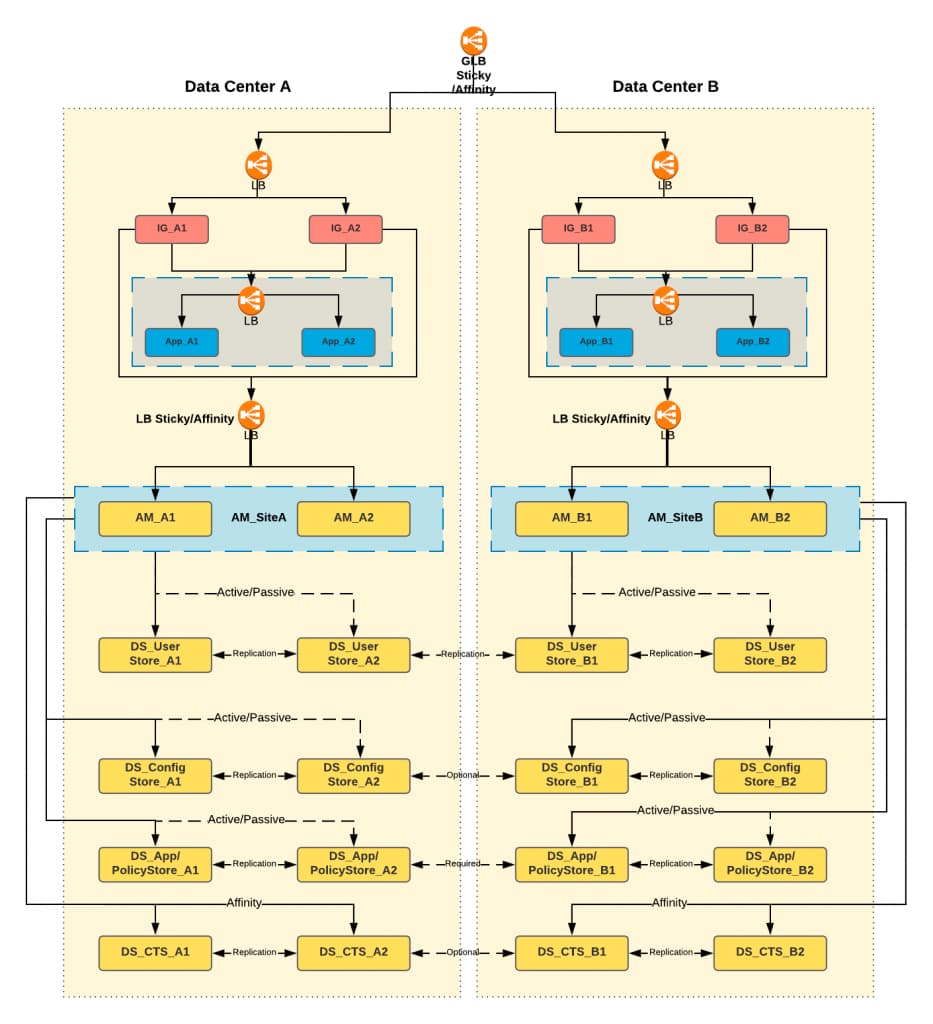
ForgeRock AM Active/Active Deployment Routing Using IG
[.badge-category__name#Architecture#]
Introduction The standard deployment pattern for ForgeRock Identity Platform is to deploy the entire platform in multiple data centers/cloud regions. This is ensures the availability of services in case of an outage in one data center. This approach also provides performance benefits, as the load can be distributed among multiple data centers. Below is the example diagram for Active/Active deployment: [image] Problem Statement AM provides both stateful/CTS-based and stateless/client-based ses…